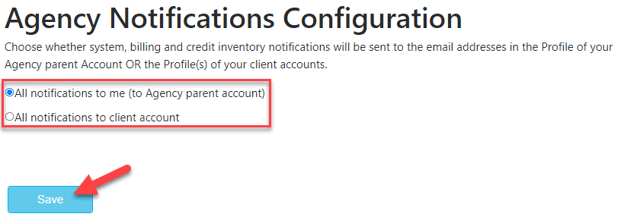
As a Postalytics Agency account you choose who receives ALL account notifications - either you, the Agency parent account, or the individual sub accounts within your Agency account.
How to Set Notifications
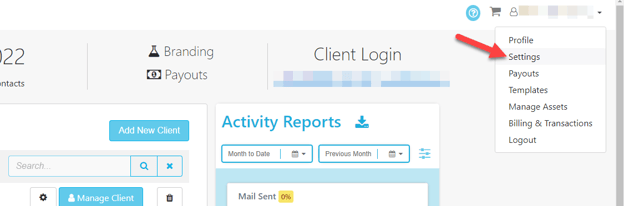
To set the Notifications, click “Settings” in the main drop down under your Agency Username.
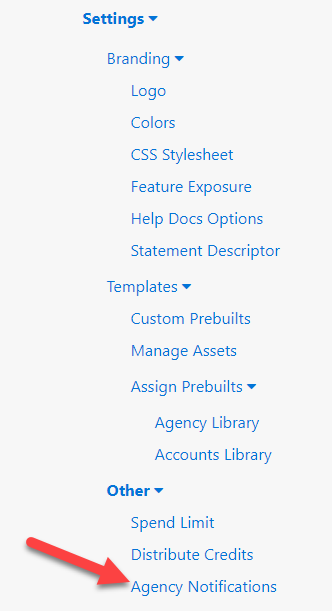
Scroll down to the bottom of the left hand menu and select “Agency Notifications” within the “Other” section.
Then choose the option of choice for All Notifications, and click “Save”.
This will apply to all sub accounts within your Agency account.