Sync email stats with Response Center
Postmark can send out email events via webhook.
To set up a webhook, select a server. Here, we have BoingMail

Then select a message stream.

Select Webhooks from the menu tab and click “Add webhook”

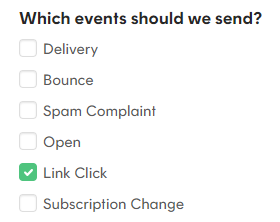
Add the generated endpoint URL. NOTE: Generate a new URL just for this webhook. In this example, we will set up a webhook that sends a request when a Link Click event is triggered.

Test the webhook before saving it:

If successful, a pop-up confirmation will show up like this:
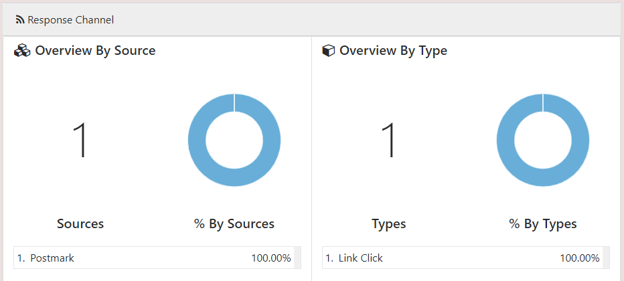
Check back the campaign dashboard to confirm that the response has been recorded: