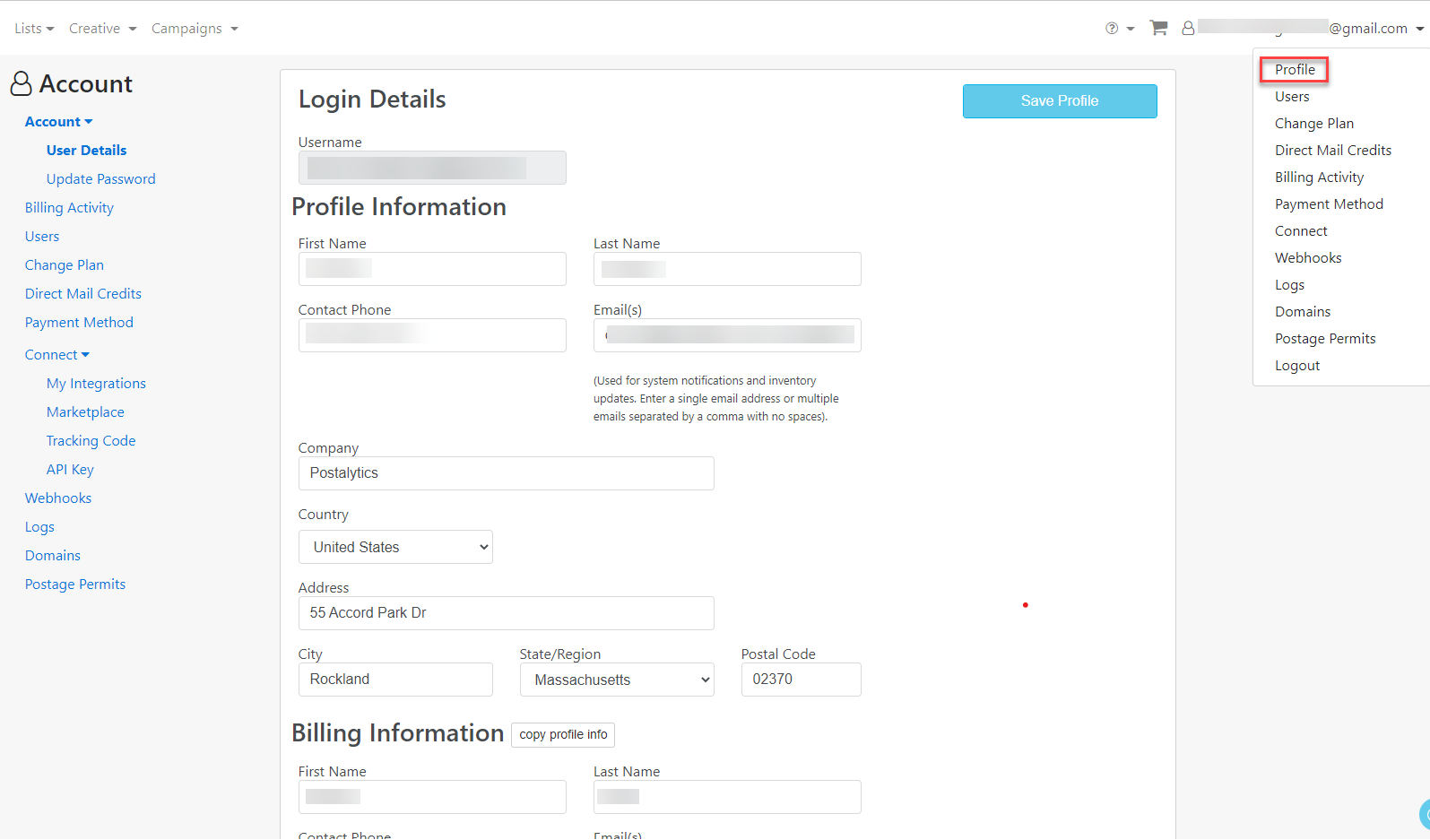
Update your account details such as name, address, email address, or phone number anytime by following these steps:
- Select Profile from the drop down menu under your account email in the far right corner.
- Update the fields that require changes in the Profile and/or Billing areas.
- Review the updates made.
- Click Save Profile.